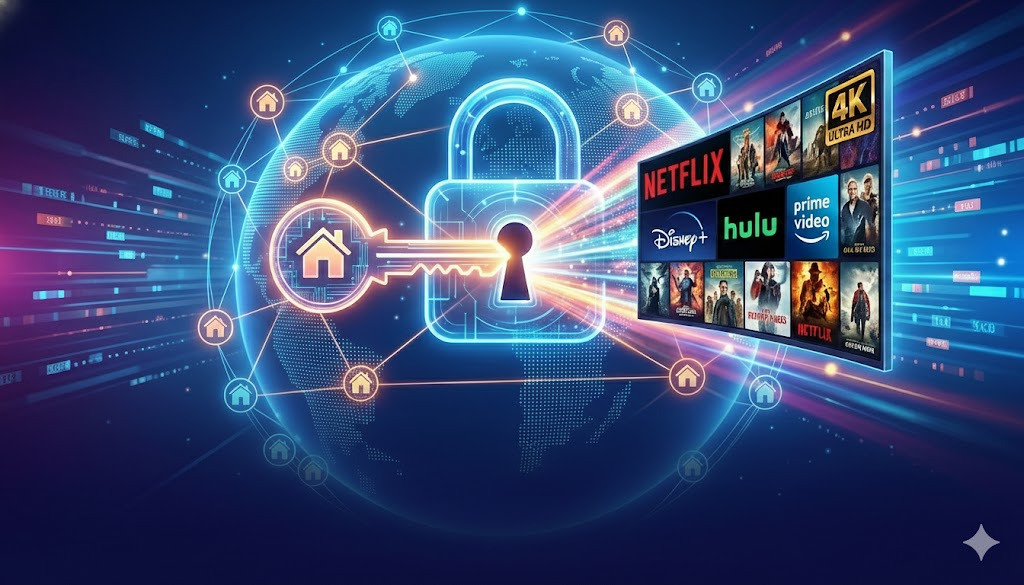
Have you ever encountered this situation: you clearly have a VPN connected, but when you open Netflix, you can only see "original series"? Or when you enter Disney+, it directly prompts "the service is not available in your region"?
As streaming giants continuously upgrade their IP detection mechanisms, traditional data center (Datacenter) IPs have largely fallen. Today, we will deeply explore why residential IP VPS has become the "ultimate weapon" for unlocking global resources.
1. Why is your VPN always detected? In-depth analysis of streaming blocking principles
Streaming platforms (Netflix, Disney+, Hulu, etc.) mainly implement geographic restrictions through IP library reputation scores. Their detection logic is primarily divided into three dimensions:
- ASN type detection: The system automatically identifies the ownership of the IP. If the IP belongs to a data center (data center IP), the system will default to considering it as a non-real residential user, directly locking the copyright library.
- IP sharing rate: Thousands of accounts sharing the same data center IP will trigger the platform's risk control alerts.
- ISP residential tags: Real user IPs carry ISP tags. Residential IP VPS simulates this purest home network environment.
2. Residential IP vs Data Center IP: Success Rate Comparison
| Feature | Data Center IP (Data Center VPS) | VoyraCloud Residential IP VPS |
|---|---|---|
| IP Source | Cloud service provider data center | Local real ISP operator |
| Trust Level | Very low (easily identified as bot/proxy) | Very high (equivalent to home broadband) |
| Netflix Unlock | Can only watch original series or directly report an error | Perfectly unlocks global copyright library |
| Stability | Easily blocked in bulk | Extremely stable, rarely blocked |
3. VoyraCloud Residential IP VPS Performance Testing
VoyraCloud Residential IP VPS offers not just servers, but an internet environment with native residential attributes.
1. Real residential identity, 100% compatibility
The IPs provided by VoyraCloud are strictly selected and displayed as ISP (Internet Service Provider) attributes in the IP database. This means that whether you are watching Netflix, Disney+, or Hulu, the platform will treat you as a local resident, directly granting access to the full resource library.
2. 200 Mbps peak bandwidth, say goodbye to loading circles
In our tests, using VoyraCloud's US residential IP:
- Netflix: Successfully unlocked exclusive resources in the US region, with a startup delay of less than 2 seconds at 4K quality.
- Disney+: Entered without errors, supporting high dynamic range images (HDR).
3. Supports on-demand IP switching, flexible response
What if the IP gets flagged in extreme situations? VoyraCloud supports changing IP addresses, keeping your streaming environment always "fresh".
4. Quick Start: Three Steps to Unlock Global Resources
Deploying your own dedicated streaming server is very simple:
- Select a package: Log in to VoyraCloud official website and choose "Residential IP Server".
- One-click installation: Supports mainstream systems like Ubuntu/Debian, and can be used with simple proxy protocols (like Squid or V2Ray).
- Start playing: Configure the proxy on your terminal devices (mobile, TV box, computer), log in to Netflix, and you will find global resources you have never seen before are now open to you.
5. Summary and Recommendations
If you are tired of constantly searching for new nodes but still cannot watch Netflix, residential IP VPS is currently the most reliable and cost-effective solution.
- Pursuing stable unlocking: First choice is VoyraCloud Residential IP Series.
- Multi-device support: By setting up a private node, the whole family can share unlocking effects on Apple TV, tablets, and phones.
Want to immediately start 4K global cinema mode?
👉 Click now to get VoyraCloud Residential IP VPS and unlock your private cinema
This article is written based on VoyraCloud's performance testing. Reminder: Please use technical tools in compliance with local laws and platform service terms.